
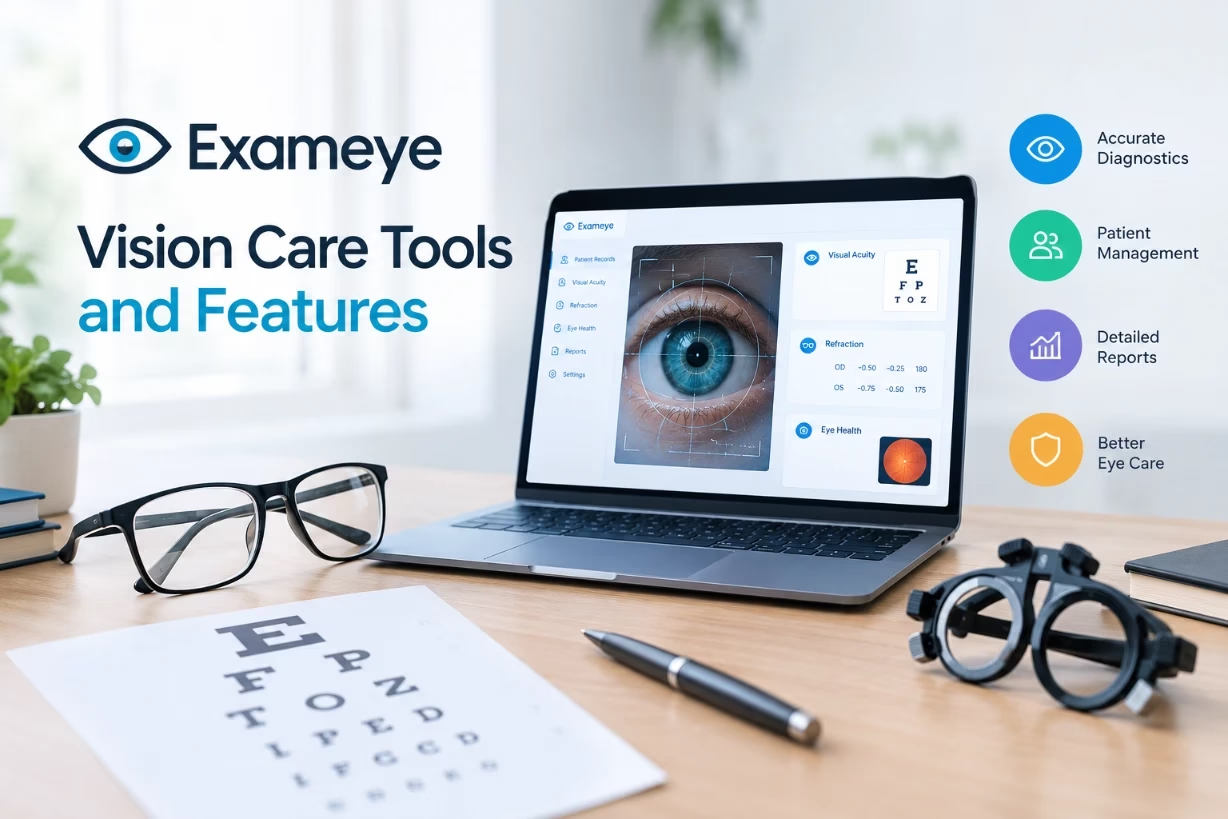
Exameye vision care tools and features help you test, track, and protect your eyesight with simple, guided steps. I will walk through how exameye works, what each feature does, and how you can use it daily to care for your eyes with confidence.
What exameye Is Really About
When I talk about exameye in this article, I am talking about a modern style of vision care toolkit that lives mostly on your phone, tablet, or computer and connects to your eye doctor when needed. Exameye is not just one test or one gadget. It is a set of tools and features that work together so you can:
Check your vision at home,
Share results with a doctor,
Follow a care plan for dry eyes, eye strain, or glasses,
Keep a record of how your eyesight changes over time.
I like to think of exameye as a digital eye health assistant. It does not replace your doctor, but it makes eye care easier between visits and helps you notice problems sooner.
Core Vision Testing Tools Inside exameye
The heart of exameye is a group of vision tests that try to give you clinic-style information without you sitting in the exam chair. These tests are not meant to give a final medical diagnosis by themselves, but they are useful signals. Let me break down the main ones.
Visual Acuity Check
Visual acuity is the classic “read the letters on the chart” test. Exameye usually shows you letters, numbers, or symbols that get smaller line by line. You tap or say what you see. The tool then estimates how clearly you see at a standard distance.
With exameye style tools, you often get guidance like how far to sit from the screen, how to cover one eye, and how to adjust your screen brightness. The app may even show a live distance guide using your camera or ask you to compare an on-screen object to a known real-world object, like a credit card, to keep things more accurate.
Refraction Screening
Refraction is the part that tells you if you are nearsighted, farsighted, or have astigmatism, and how strong your glasses or contacts might need to be. A full refraction is still best done with professional equipment, but exameye tools can run a pre-screen.
Some exameye systems guide you through patterns and focus tasks and then use smart algorithms to estimate a possible prescription. The result might be used as a starting point for a tele-optometry visit or to decide if you should book an in-person exam soon.
Contrast Sensitivity and Low-Light Vision
Seeing tiny differences between shades of gray matters more than most people realize. It affects night driving, reading faint text, and spotting objects against messy backgrounds. Exameye often includes a contrast sensitivity test where you look at patterns that fade into the background.
If the exameye tool notices poor contrast results, it may suggest glare-reducing lenses, lighting changes at home or work, or a follow-up exam to rule out problems like early cataracts or other eye conditions.
Color Vision Screening
Many exameye platforms add a color vision test using special plates or shapes built for digital screens. You might see dots forming numbers, or shapes made of tiny colored circles. Your answers help flag possible color vision issues, which can be helpful for kids, certain jobs, or hobby choices like graphic design or photography.
Near Vision and Reading Comfort
Modern life pushes us to read tiny fonts on bright screens. Exameye tools often include a near vision test that simulates reading on a phone. You see text at different sizes and distances, sometimes with adjustable background colors and brightness.
From there, exameye can hint if you might benefit from reading glasses, screen breaks, or a different working distance. For adults in their 40s and older, these tests can also pick up the early signs of presbyopia, the age-related shift where close-up focus gets harder.
Eye Health Monitoring Features
Vision care is not only about sharpness. It is also about the health of the eye surface, eye muscles, and supporting habits. Good exameye style platforms bring several tracking and reminder tools together in one place.
Digital Eye Strain and Screen Time Tracking
If you spend a lot of time on screens, you probably know the burning, tired feeling at the end of the day. Exameye tools can watch your screen use, remind you to look away at regular intervals, and coach you on the 20-20-20 rule: every 20 minutes, look at something 20 feet away for 20 seconds.
Over time, exameye can show patterns like when your eyes get tired fastest, how late you stay on screens, and how small your typical text size is. This makes it easier for you and your doctor to talk about real habits, not just guesses.
Dry Eye Symptom Journals
Dry eye is common but very personal. Your symptoms may change with weather, allergies, screen time, or contact lens wear. Exameye tools often include a quick daily or weekly questionnaire where you rate burning, tearing, redness, and blurry moments.
These symptom scores create clear graphs you can bring to your next visit, so you and your eye doctor can see if your drops, warm compresses, or lifestyle changes are actually helping. You do not have to rely on memory.
Contact Lens Wear and Hygiene Logs
If you wear contacts, exameye type platforms can be very helpful. You can log how many hours you wear lenses, when you change them, and how often you sleep in them. The app may send alerts when you are close to the end date on a pair or on a solution bottle.
Small nudges like this can lower your risk of infections or corneal problems, especially if you tend to stretch your lenses too long.
Telehealth and Remote Care Features
One huge benefit of exameye tools is how they bridge the gap between your home and the clinic. Instead of waiting months for every question, you can share data and connect with your provider more easily.
Secure Data Sharing With Your Eye Doctor
Most serious exameye style platforms are built to share data with eye care clinics in a safe way. After you run a vision test or fill out a symptom survey, you can send that information straight to your doctor’s portal or electronic health record.
This means your doctor can prepare before your visit, review how your eyes have been doing since last year, and adjust your exam focus. It also helps with second opinions if you see a new provider.
Guided Remote Exams
Some exameye tools support real-time remote exams. A doctor might connect through video, see your screen results, and guide you step by step. For example, they can ask you to cover one eye, adjust lighting, or bring the device closer or farther.
These remote visits will not replace every in-person exam, especially if you need dilation, imaging, or surgery planning. But they can be enough for simple prescription checks, follow-ups, or quick “is this urgent” questions.
Education During and After Tests
A feature I really like in exameye systems is live education mode. Right after a test, you might see simple visuals explaining what the numbers mean in your daily life: night driving, work on a computer, classroom reading, or sports.
Short, plain-language explanations give you context rather than just a score or a line of numbers. That can lower anxiety and help you ask smarter questions at your next appointment.
Practical Workflow Features For Clinics Using exameye
Exameye is not only for patients at home. Clinics that adopt exameye tools gain new ways to manage their workflow and give better service without making days longer or more stressful.
Pre-Visit Screening From Home
Imagine filling out all your eye history, basic tests, and lifestyle questions before you even step into the office. Exameye makes that realistic. Clinics can send a link or app invite ahead of your appointment.
By the time you show up, the staff already sees which eye is weaker, how bad your eye strain is getting, and if you are on any new medications. That saves chair time and lets the doctor focus more on decisions and discussion instead of data entry.
Integrated Exam Room Displays
In the office, an exameye system might power the exam room screen, showing charts, test patterns, and education images. The doctor can flip between tests and teaching tools quickly.
Because the system knows who you are and reads your past data, it can also help the doctor compare today’s results with last year’s without digging through paper charts or scattered files.
Practice Analytics and Quality Tracking
From the clinic side, exameye can quietly collect valuable stats in the background. Things like how often patients report headaches, which age groups struggle with screen strain most, and how many people skip follow-ups after getting a dry eye plan.
This type of information helps a practice improve its care plans, decide what to teach staff, or even what community talks to give. Exameye becomes not just a testing tool but a practice improvement engine.
Safety, Accuracy, and Limits of exameye Tools
Even the best exameye system has limits. It is important to know what it can and cannot do so you do not get a false sense of security.
Home Test Accuracy Considerations
At home, room lighting, screen size, and your distance from the device can all affect results. Good exameye tools try to guide you through setup with step-by-step tips and sometimes camera-based distance checks. Still, tiny changes in setup can shift your scores.
Because of this, I suggest treating home results as a trend, not a final answer. If you see a clear change in your exameye data over several sessions, that is a stronger signal than one odd result on a single day.
Why exameye Does Not Replace Full Exams
Many eye diseases, like glaucoma or retinal problems, can start quietly without big changes in how sharp you see. Exameye tools that focus on chart reading or simple vision screens may not catch these early on.
That is why I always stress that exameye should be an extra layer of care, not your only layer. You still need regular in-person eye exams, especially if you have diabetes, a family history of eye disease, or are over a certain age.
Data Privacy and Security
Your eye test results count as medical data. Real exameye platforms handle this with encryption, consent screens, and secure storage. When you link your exameye account with a clinic, you should have clear control over what is shared and when.
If you try any exameye style app, take a moment to read how it handles data, what region its servers are in, and how you can delete your account if you switch providers. You deserve to know where your eye health history lives.
How To Get The Most Out Of exameye
Having exameye tools available is one thing. Using them in a smart, consistent way is another. I want to share a simple plan that most people can follow without feeling overwhelmed.
Build a Simple Weekly Routine
Start by picking two or three exameye actions you can repeat:
- Run a quick vision screen once a week with each eye.
- Log dry eye or headache symptoms three times a week.
- Turn on screen break reminders during your work hours.
Doing a little bit regularly is better than doing a lot once and then forgetting about it for months.
Use Exameye Data During Real Appointments
Before your eye exam, open your exameye history. Look at trends in your scores, symptom graphs, and notes you left for yourself. Bring that into the visit or share it through the clinic’s portal.
Doctors often appreciate clear, structured data because it saves them time asking the same questions and lets them get to the root of your problem faster.
Set Clear Goals With Your Doctor
Ask your eye doctor how they would like you to use exameye between visits. For example, you could agree to track screen strain every workday for a month after changing your glasses, or to log dry eye symptoms while testing a new drop.
When exameye use is tied to a simple goal like this, you are more likely to stick with it, and your doctor can judge if the new plan is working sooner.
Why Exameye Matters For Everyday People
Most of us only think about eye care when we need new glasses or when something suddenly feels very wrong. Exameye vision care tools and features shift that mindset to ongoing attention in small bits.
Instead of asking, “Do I need glasses this year?” you start asking questions like, “Do my eyes feel better on days I take more breaks?” or “Is my child squinting less since I changed our screen rules?”
When exameye becomes part of your normal health routine, eye care feels less like a mysterious event and more like a practical, shared project between you and your doctor. You notice problems earlier, learn more about your own habits, and feel more in control of how you see the world.
If you are curious about exameye, you do not have to change your entire life or buy a bag of gadgets. Start small with a free or clinic-linked app, try a few tests, and see how it feels to have your vision story written down instead of just guessed at. Over time, that quiet log of exameye data can become one of the most useful parts of your personal health record.